Back to Software

RadeeoDS

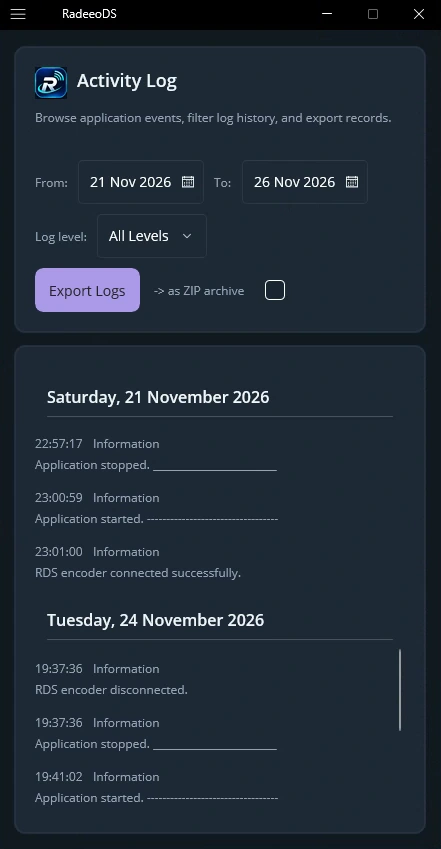
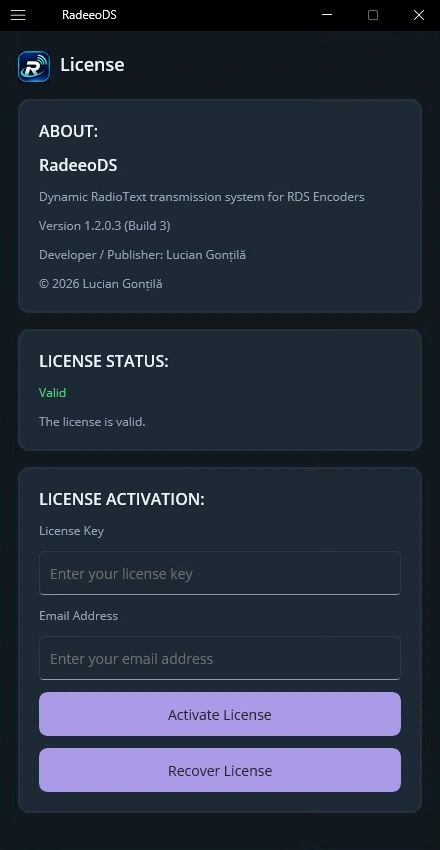
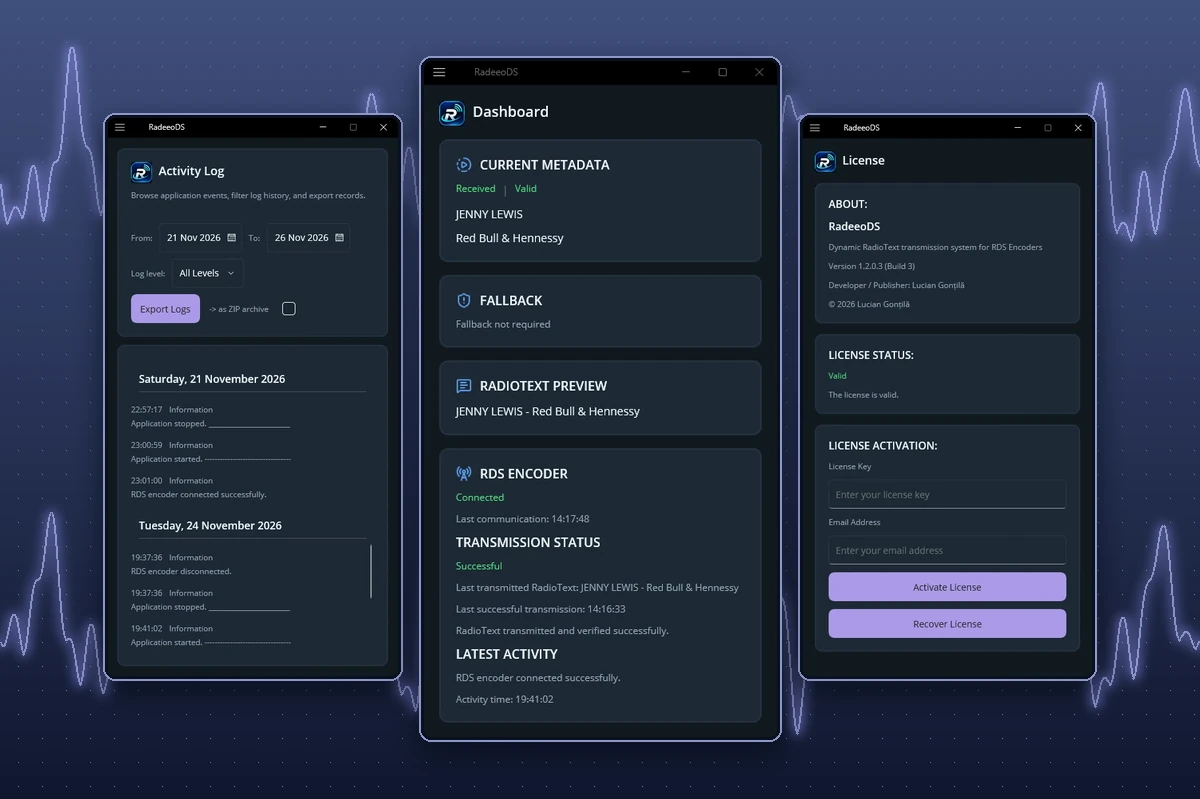
The RadeeoDS activity log, dashboard, and license screen

Windows

Dynamic RadioText

RadeeoDS sits between the broadcast automation software and the RDS encoder. It takes the dynamic text from the broadcast software, usually the artist and song title or the name of the current show. RadeeoDS sends the text to the RDS encoder and verifies that it was received.
Key features

  • Reads text files that broadcast automation software generates to share what is currently on air.
  • Formats incoming text to meet RadioText standards.
  • Sends a preset fallback message to the RDS encoder if the incoming text is incompatible or communication with the broadcast software fails.
  • Displays a continuous preview of the text transmitted by the RDS encoder for easy verification.
  • Shows the status of communication with the RDS encoder in the main window.
  • Logs important events and errors to make the application easier to manage.

Application interface

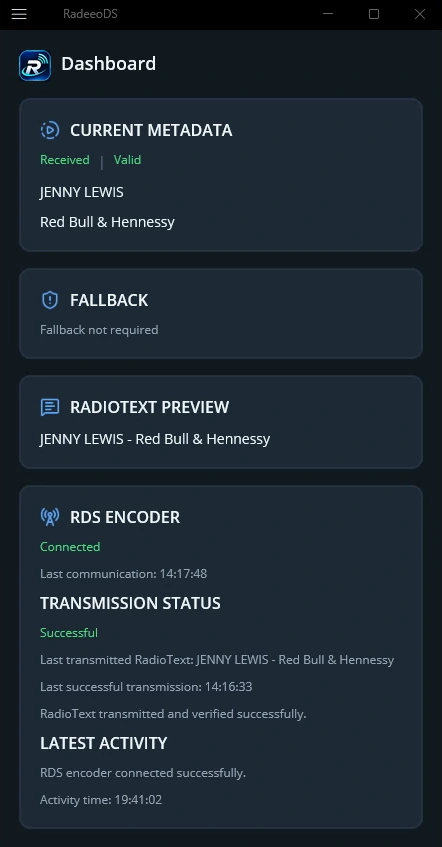
Metadata, RadioText preview, and transmission status
Dashboard
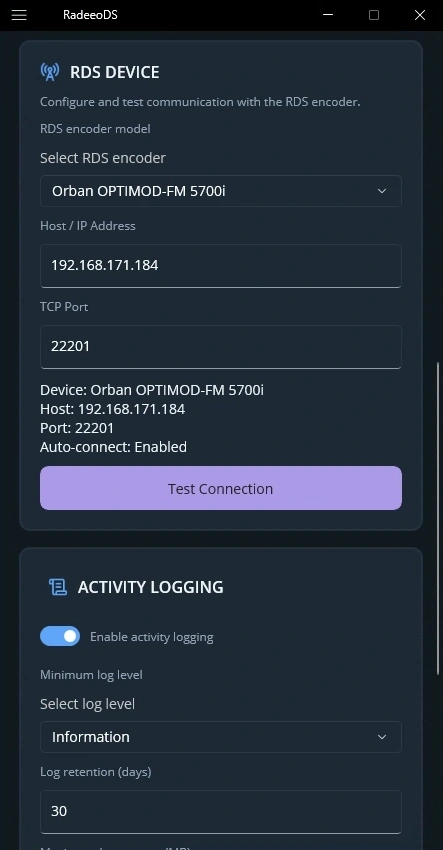
RDS encoder and activity log configuration
Settings
Event filters and export options
Activity log
License status and activation options
License

Compatibility

The application was implemented and tested on audio processing equipment from:

It can also be adapted to work with other equipment.